For life on shifts

Your shifts change.
Make room
for sleep.

A practical sleep course and daily plan for people who don’t work nine to five.

Start with 6 free lessons. Learn at your pace.

Nightings Today screen with sleep, a nap, and coffee timing around a night shift.
Your shift.
Your rhythm.

The Nightings program

Sleep science.
Built for your shifts.

Understand what keeps you awake. Learn what to try. Build routines that fit the shifts you actually work.

The Nightings owl taking a quiet moment after a shift, with a work bag set aside.01 / UNDERSTAND

Why tired doesn’t always mean sleepy.

Get to know your body clock, sleep pressure, and the push and pull of night work.

The Nightings owl closing the curtains for daytime sleep, beside a pillow and sleep mask.02 / EXPERIMENT

Make the day work for your night.

Try small changes to light, naps, caffeine, and the space where you sleep.

The Nightings owl pausing beside a path of stepping stones as the sun rises.03 / MAKE IT YOURS

Keep what works.
Leave the rest.

Notice your patterns and build a sleep playbook you can return to when shifts change.

34 interactive lessonsRead or listen. Make a choice. Try it on your next shift.

Inside the course
Two orientation lessons. Eight practical modules.
01

Understand your sleep

Body clock, sleep pressure, and your first experiment. Included free.

02

Build your shift sleep plan

First nights, nights in a row, and days off.

03

Make daytime sleep easier

Light, noise, interruptions, and asking for support.

04

Unwind after work

A short routine for coming home after a demanding shift.

05

Use your timing tools

Naps, light, caffeine, food, and useful experiments.

06

Learn from your own patterns

Compare similar shifts. Decide what to keep or change.

07

Handle schedule changes

Fallback plans for overtime, early starts, and real life.

08

Keep your playbook working

Save your routines and know when to ask for more help.

Try it for yourself

A small lesson.
A useful click.

Every lesson gives you a real-life choice, an explanation, and one thing to try around your next shift.

Here’s your first question

Your body clock

01 / 34

Tired, but wide awake?

You’re home after a night shift. You feel tired, but sleep is hard to keep.

What could explain this?
The science behind this

The plan beside the program

One less thing
to work out.

When to sleep. When to nap. When to call it on coffee. See the day around your shift, all in one place.

Built around your life

Your shifts, commute, and the times you can’t move.

Ready when plans change

Update your schedule. Keep sleep and nap notes to see what worked.

Take a look at three kinds of day

Your day, at a glance

Choose a day to preview

Tonight is your first night.

7:00 PM to 7:00 AM

  1. Nap till 3:00 PM.A rest before your first night.
  2. Last coffee
  3. Leave for work
  4. Start your shiftTill 7:00 AM tomorrow
  5. Bed. Sleep till 4:00 PM.
What shapes the plan?

A nap before the first night, with time to wake up before work. Main sleep comes after the shift. In the app, your shifts, commute, and settings shape the times.

Skip the typing

Upload your roster.
Get your sleep plan.

A photo, screenshot, or PDF becomes proposed shifts. Give them a quick review, then save your schedule.

  1. 01UploadChoose your roster
  2. 02ReviewConfirm your shifts
  3. 03PlanSee the day ahead

On-device scanning, with optional AI for harder layouts.
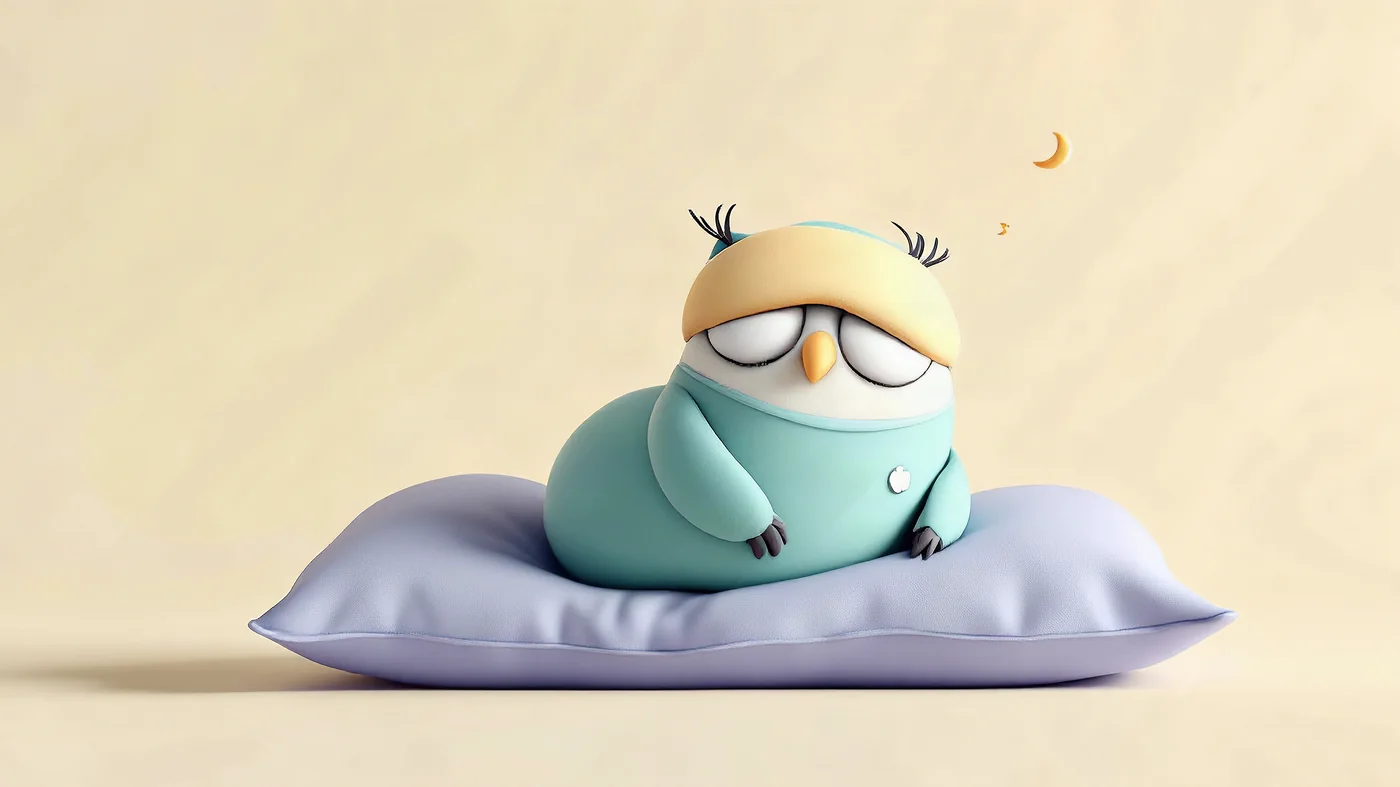
The Nightings owl, tucked in with a sleep mask and a pillow.

Guided meditations

For the moment
you can exhale.

Let the shift go. Settle before a nap, ease into bedtime, or make some space when your mind is still at work.

Short sessions, plus 10- and 20-minute options with more quiet practice time. Ready offline in the app.

Make space for what helps

A useful start.
A fuller practice.

The planner and your first six lessons are free. Go further with the complete Nightings course.

Nightings Free

Start with
your next shift.

Get a daily plan and understand the basics.

  • 6 interactive lessonsOrientation + the first module
  • Your everyday plannerA 14-day plan and sleep log, with optional Apple Health sync on iPhone
  • One roster scan a monthPlus guided meditations and data export
Try a lesson

Nightings Pro

The complete course

Build your
sleep playbook.

Go from understanding your sleep to knowing what to try next.

  • All 34 interactive lessons28 more lessons across seven more modules
  • Your own sleep playbookSave useful practices and compare shift patterns
  • More roster scansRepeat imports, with everything in Free
Explore every module

Pro purchases are not currently available. Cloud AI scans have usage limits.

A little more to know

Good questions.

Is this a course or an app?
Both. The Program teaches practical sleep skills, while Today, Schedule, and Sleep log help you use them around your shifts. The Library holds guided meditations and answers to common questions.
How long does the course take?
There are 34 lessons: two orientation lessons and eight modules of four. Take them at your own pace, with time to try things around real shifts. There is no daily streak to keep.
What if my shifts keep changing?
The planner handles first nights, nights in a row, early starts, and days off. Add your commute and commitments, then update your schedule when things change. The course also covers fallback plans for those less predictable weeks.
How does roster scanning work?
The on-device scanner reads a photo, screenshot, or PDF. You can choose cloud AI to help with a harder layout or pasted text. Check the proposed dates and times, then choose what to save. You can always type shifts yourself. One successful scan a month is free; Pro adds repeat scans, and cloud AI has usage limits. Read what cloud AI receives.
Do I need a watch or an account?
No. Add your shifts and log sleep on your iPhone. The course, planner, on-device scanner, and downloaded audio work offline. Optional cloud scanning needs an internet connection.
Can I use Nightings with my team?
For questions about using Nightings with a shift-work team, get in touch. There is no employer dashboard or automatic sharing of individual sleep logs.

Start small. Make it yours.

Your next shift.
A different starting point.

Find your first lesson